
 SOL/USDT
 BNB/USDT
 XRP/USDT
 ADA/USDT
 LINK/USDT
 AVAX/USDT
 DOGE/USDT
 DOT/USDT
 LTC/USDT
 NEAR/USDT
 XLM/USDT

Updated:
Veles Finance explained: what the crypto bot does and how to try it
A plain-English guide to Veles Finance: crypto trading bots, supported exchanges, fees, API safety and a practical first strategy test.
Veles Finance is a service for setting up crypto trading bots. You choose trading rules, and the software can place orders on a connected exchange. It saves repetitive clicking and watching charts, but it does not know where prices will go.
Disclosure: this article contains referral links. We may receive a commission if you register and use the service through them.
Want to see the tools first? Explore Veles Finance

What does the bot actually do?
Think of it as a trading checklist that runs automatically: enter when your conditions are met, manage orders and exit according to your settings. Veles supports single-entry and averaging-grid strategies, indicator signals and backtesting on historical data. Averaging means adding to a position; it also increases your exposure if prices keep falling.
Which coins and exchanges can it trade?
The official guides list connections including Binance, Bybit, OKX and Gate, with spot and futures options depending on the exchange. Spot means buying or selling coins. Futures are contracts and can involve leverage and liquidation. A pair such as BTC/USDT or ETH/USDT must be available in your selected Veles connection, not just somewhere on the exchange.
Availability depends on your country and account. Connecting a bot does not bypass exchange restrictions. Check the available connections in Veles
A simple example, not a profit forecast
Imagine a spot strategy buying ETH for 100 USDT and selling that purchase for 102 USDT. The difference is 2 USDT before costs. If ETH instead falls, the position loses value; the bot cannot force a recovery. Check the reference value using our ETH to USDT converter.
How much does Veles cost?
Checked November 1, 2026: the published bot fee is 20% of gross profit on profitable trades, capped separately at 50 USDT per month for spot and futures USDT-M. Exchange fees are extra. Stop-loss losses are not deducted when calculating that service fee, so you can owe fees even during a losing month. Advanced backtesting has separate paid plans. Check current terms before launching.
Try the process before risking a deposit
- Choose an exchange and market available where you live.
- For the API-connected setup, allow only required trading permissions, disable withdrawals and use IP restrictions where supported.
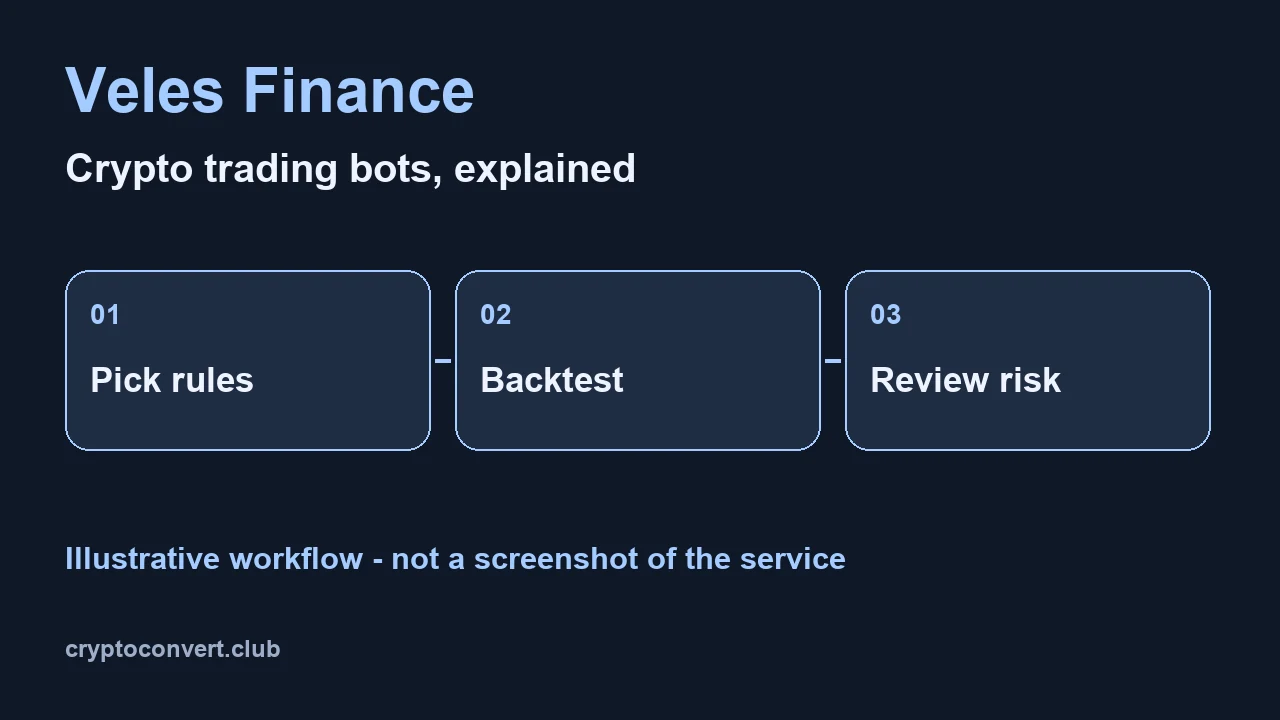
- Select one understandable strategy and run a historical backtest. Look at drawdown and stuck trades, not just the winning number.
- Only consider live trading after setting a loss limit and understanding how to stop the bot and manage remaining orders.
Open Veles and explore strategy testing
Where does the money stay?
In the exchange-API setup described here, trading funds remain on the exchange. The Veles service balance pays its fees and is separate. Trading permission still lets software make losing trades, so a key without withdrawals is not risk-free. Backtest results also cannot guarantee live performance.
Do I need to watch it?
Yes. Review open positions, fees and connection errors. Automation reduces manual work; you remain responsible for the rules and the money.
Is it worth exploring?
If you want to turn clear rules into repeatable actions, the historical-testing workflow is a useful place to start. Take a look at Veles through our referral link
 Referral link
Turn your trading idea into clear rules
Explore the bot settings and test a strategy on historical data before deciding whether to trade live.
Try Veles Finance Start by exploring the tools and testing your settings.Coin prices
Market reference Bitcoin / USDT
 1 BTC =
77,450.09 USDT
Open converter
Bitcoin / USDC
 1 BTC =
77,369.63 USDC
Open converter
 Ethereum / USDT
1 ETH =
2,271.28 USDT
Open converter
Ethereum / USDC
1 ETH =
2,268.92 USDC
Open converter
Indicative Binance / KuCoin spot rate. Fees and spread can change the final amount.
Latest crypto news: BTC / ETH
Google News RSS
BTC · Source: Robinhood · 2026-11-02
Current price of Ethereum for MM-DD-YYYY - Fortune
ETH · Source: Fortune · 2026-11-02
Current price of Bitcoin for Nov. 2, 2026 - Fortune
BTC · Source: Fortune · 2026-11-02
ETH price on Nov 2, 2026 at 7am EST Crypto Prediction Market - Robinhood
ETH · Source: Robinhood · 2026-11-02


